 Smiths AI
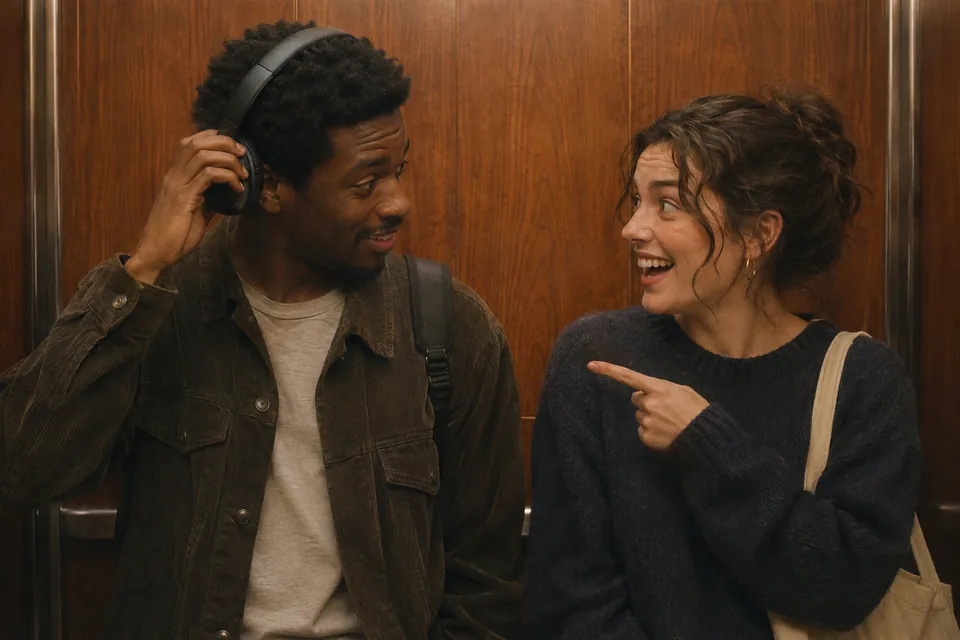
Follow Alex and Sam
These names are fictional. Obtain permission before using a real person’s name or image; planning needs no images.
01
Before: Alex wears the headphones. Sam recognizes the song and speaks.
02
After Swap: Sam wears the headphones. Alex speaks.
Third-party reference · @zora.pansy_win ↗
From images to video
Upload two images
Choose clear images of people, animals or animated characters that you have permission to use.
Arrange the scene
The character on the left wears headphones. Use the swap button to exchange the two sides.
Choose the quality
Select 720p or 1080p and check the credits needed for your choice.
Create your video
Sign in, confirm you may use the images, and start generation. It takes around 15 minutes.
Stuck?
- Sides reversed? Use the swap button to change them.
- Copy did not work? Select the displayed text and copy it manually.